Map Area Calculator
Draw on the map, read the area — in m², ft², acres and hectares at once, with perimeter, saving, and a shareable link. Free, no sign-up, nothing uploaded.
What to do with it
How the measurement works
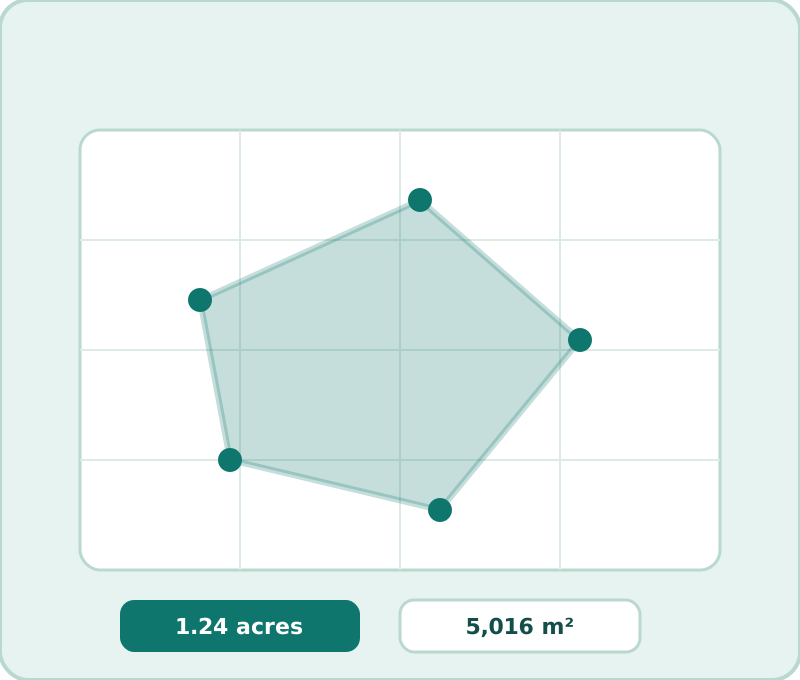
Every click drops a latitude-longitude point; the polygon area is computed on the sphere with the standard geodesic formula, which is why a drawn acre here matches a county's GIS acreage rather than a flat-map underestimate. Distance and perimeter use the same model. Nothing about your shape leaves the browser: saved measurements live in local storage, and the share link encodes the points in the URL itself.
Three ways people use this page
| You are… | Do this |
|---|---|
| Buying lawn or garden products | Trace the lawn, then open the lawn guide to convert area into bags |
| Quoting or checking a roof | Trace the footprint, apply pitch in the roof guide |
| Planning a fence or a land deal | Trace the boundary — perimeter drives the fence budget; area drives acreage |
Using the tool, in three sentences
Zoom to your property (the 📍 button jumps to you), click around the boundary until the shape closes, and read the four area units plus perimeter from the cards below the map. Undo takes back the last point; Clear starts fresh; Save files the shape in your browser for later; Copy share link puts the whole measurement in a URL anyone can open. On a phone it is the same tool — tap instead of click, and the readout stacks neatly under the map. Measurements you save live only in your own browser; a shared link carries the shape in the URL, so what you send is exactly what you saw.
Frequently asked questions
How do I measure the area of my yard?
Click points around the boundary on the map above — area updates live in all four units. Undo removes the last point; Clear starts over.
Can I share a measurement?
Yes — "Copy share link" puts a link on your clipboard that reopens the exact shape for anyone (it encodes the points in the URL). "Copy GeoJSON" hands the shape to other tools.
Does it work on a phone?
Yes — the tool is built mobile-first: tap to drop points, pinch to zoom, and the readout cards stack under the map.